All updates
October 21, 2026
Arrange your dashboard and sidebar
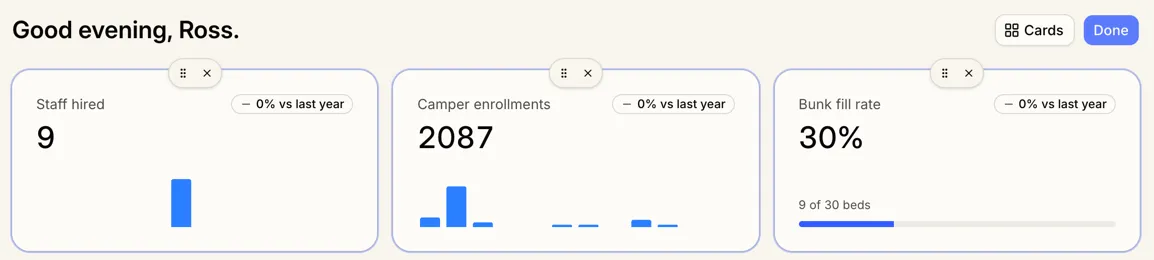
Campers and staff now share one dashboard, and you choose what’s on it and where. Changes only affect your own dashboard, and if you’d already customized it, your choices carry over.
A dashboard you arrange
Select Customize to drag cards into place or remove them, then select Cards to add more for campers, staff, or both. Counts like camper enrollments and staff hired show as weekly bars for the last 12 weeks.
Rearrange your sidebar directly
You can now drag sidebar rows into the order you want, or right-click one to hide or move it, without opening sidebar settings. Hidden rows move to More at the bottom, and changes save straight away.