September 4, 2026
Choose what campers, families, and staff provide, and when
Camp settings has a new Information page controlling the details you collect from campers, families, and staff. It is grouped by when each thing is asked, during enrollment, before camp, or on a staff application, and each item can be set to not collected, optional, or required. These settings apply to every season, so you set them once.
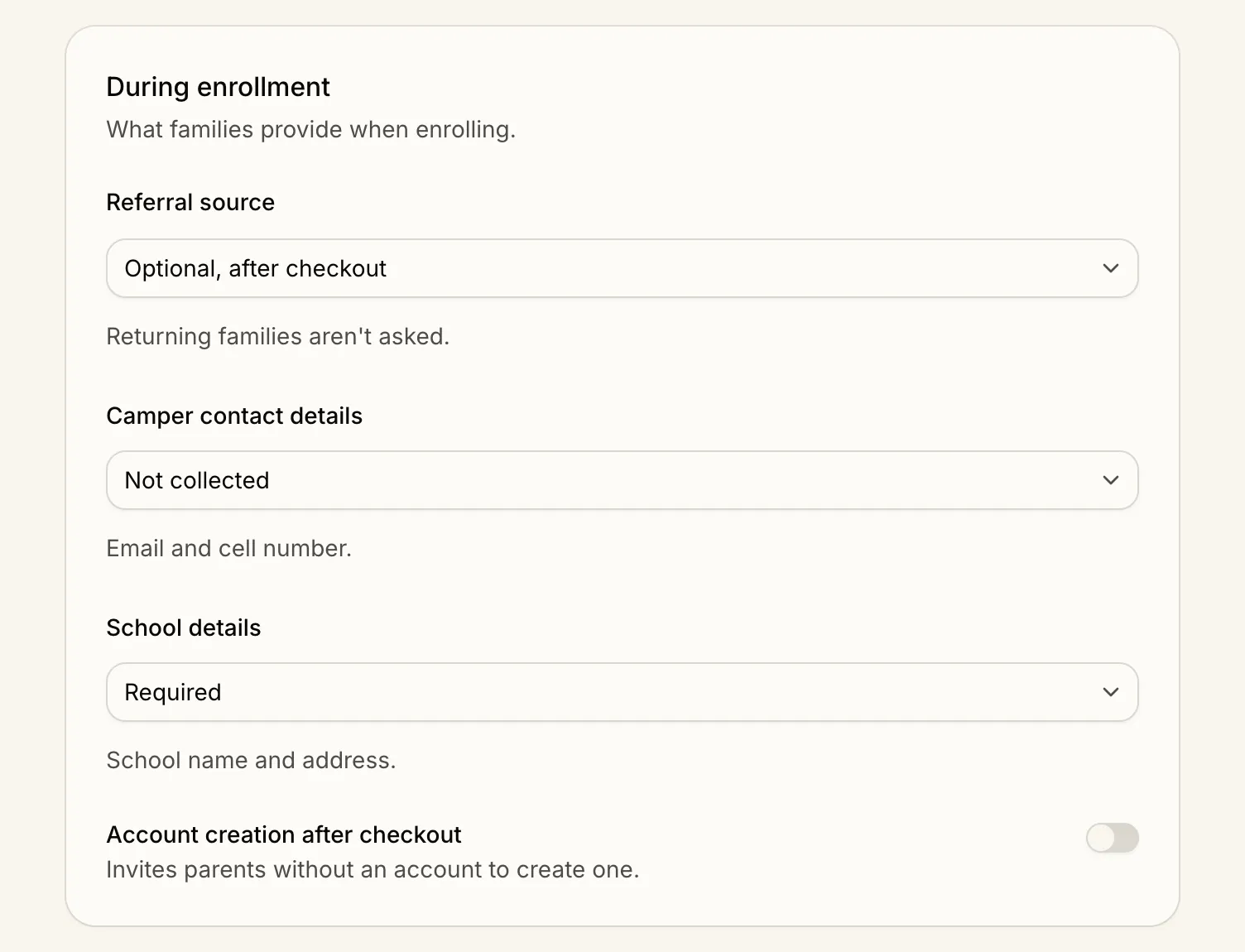
What you can now choose
Whether to ask a camper for their own email and cell number. Optional or required, from whichever grade you choose.
When to ask how a family found you. Referral source can be optional after checkout, required as the first step, or skipped entirely. Returning families are never asked.
Where to collect school details. School name and address during enrollment, before camp, or not at all.
Which grades your camp offers. A minimum and a maximum, so enrollment and lead capture only offer those.
Also on the page
Grade terminology. Whether a grade means the one a camper is entering in the fall or the one they completed before summer.
Non-binary gender and pronouns. Adds a non-binary option and a pronouns field to camper and staff forms.
Before camp and staff applications. Set whether a camper photo, school details, and medical information are needed before camp, and whether a staff application asks for date of birth and gender.