All updates
October 5, 2026
See what's going out, and who's copied in
Preview what families and staff are about to receive, and choose who’s copied in or gets the replies.
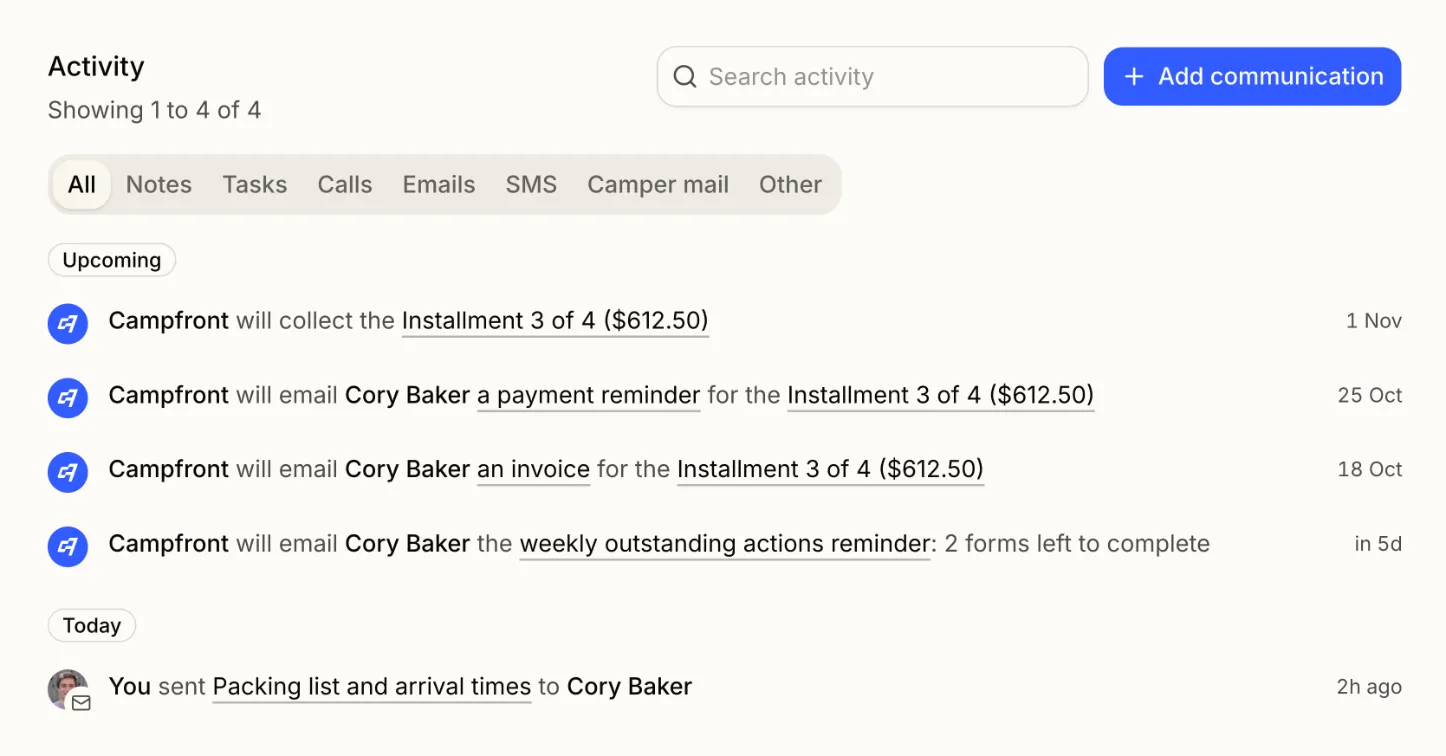
See what’s coming up
Every camper, family, and staff profile shows what’s about to go out: scheduled messages, invoices, payment reminders, automatic payments, and the weekly reminder. Open any email to preview it exactly as it will arrive.
Copy your team in
Set a reply-to, Cc, and Bcc for family, billing, and staff emails. Copy your finance team on every invoice, or send replies straight to a camper’s assigned admin.