October 21, 2026
Post every role on your own jobs page
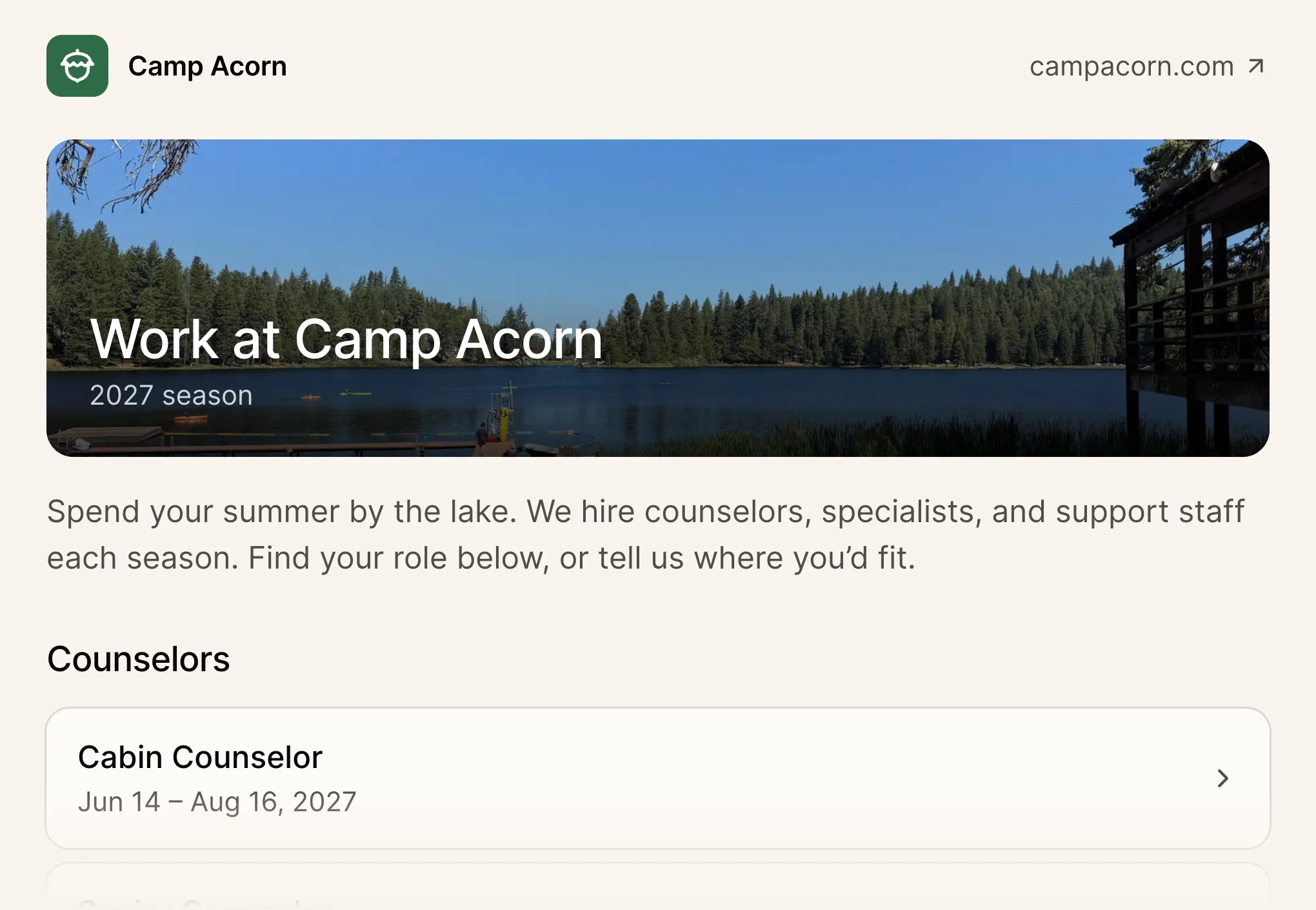
List every role you’re hiring for, like cabin counselors, lifeguards, and kitchen staff, and let applicants apply for the one they want. Find it in Staff, under Job listings.
A listing for every role
Give each job its own description, dates, and closing date, and choose whether it asks for a resume, references, or your own questions. You can also accept only applicants available for all of a role’s dates, or hide a listing from the page and share its link directly.
Share it from your website
Add a banner and a short intro, order the listings in each department, and link to the page from your website. Your existing staff application links and QR codes now open the jobs page. If you’d rather hire through one general application, keep it as your only open listing and those links go straight to it.