All updates
September 4, 2026
Single-select tag groups
A tag group can now be single select, so a profile only ever holds one tag from it.
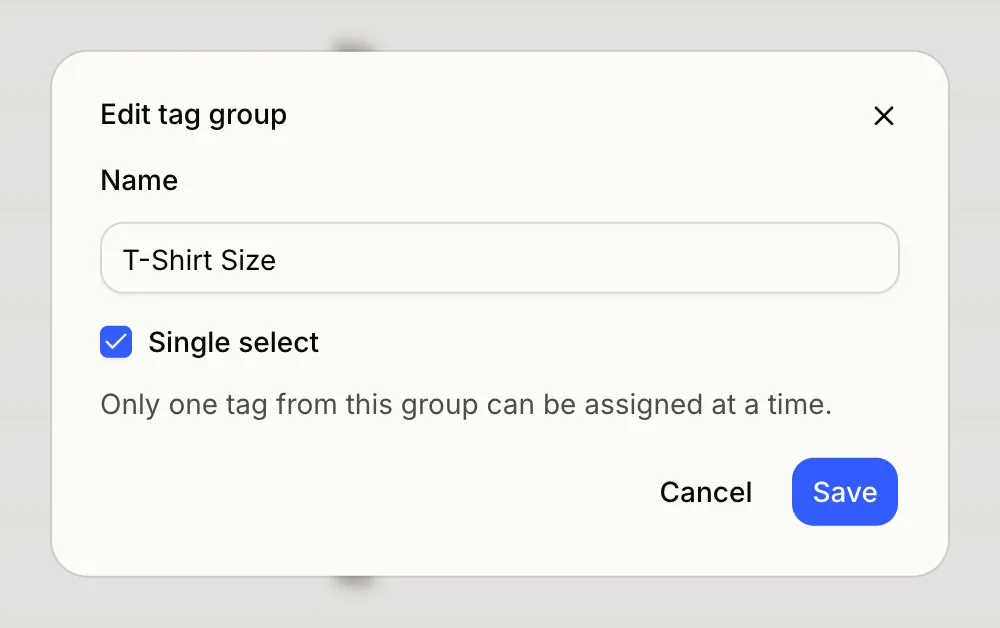
Turn on Single select on a tag group under Camp settings > Tags. Applying a tag from that group replaces any other tag from the same group already on the profile, however it’s added: from the profile, a table cell, a bulk action, an import, or an integration. Pickers mark these groups with a Single select badge. Good for anything with one right answer, like a referral source or a sub stage.